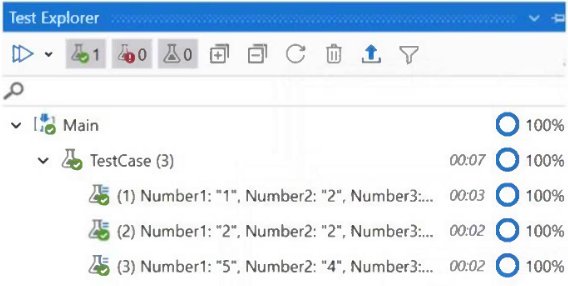
The percentages displayed in the Test Explorer panel represent activity coverage — the ratio of workflow activities executed during a test run to the total number of activities in the workflow. Per UiPath documentation, a 100% coverage rate means the test case exercised all activities and possible scenarios, while a lower value (e.g., 53%) indicates untested activities. They do not indicate the pass rate of the tests.
Community Discussion