QuestionQ35
VerifiedOperational ProceduresSIMULATION —
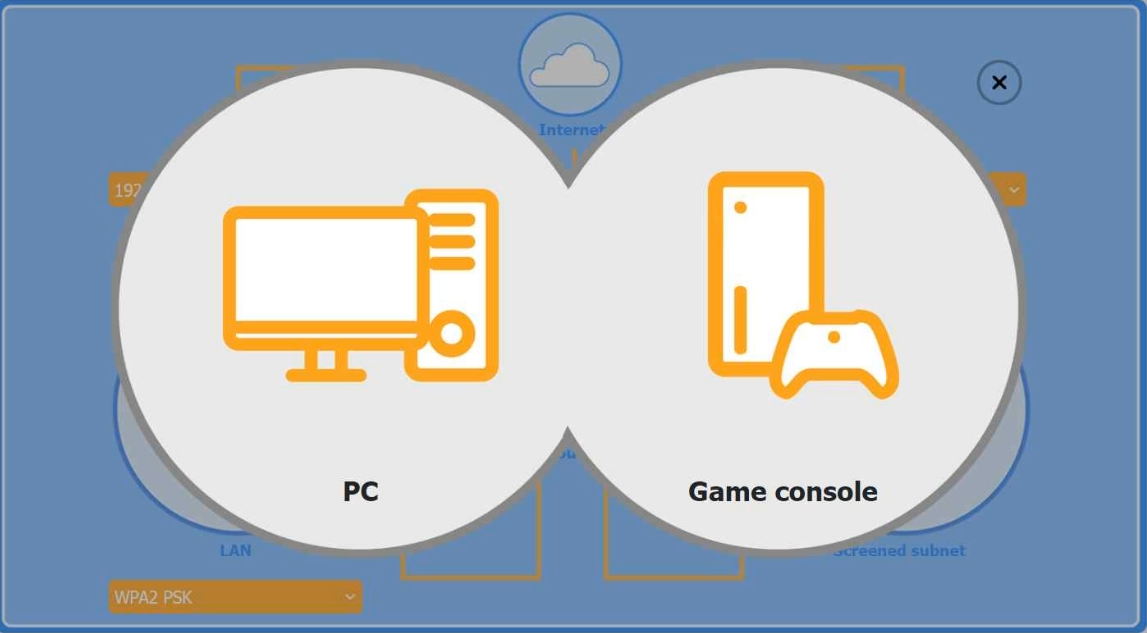
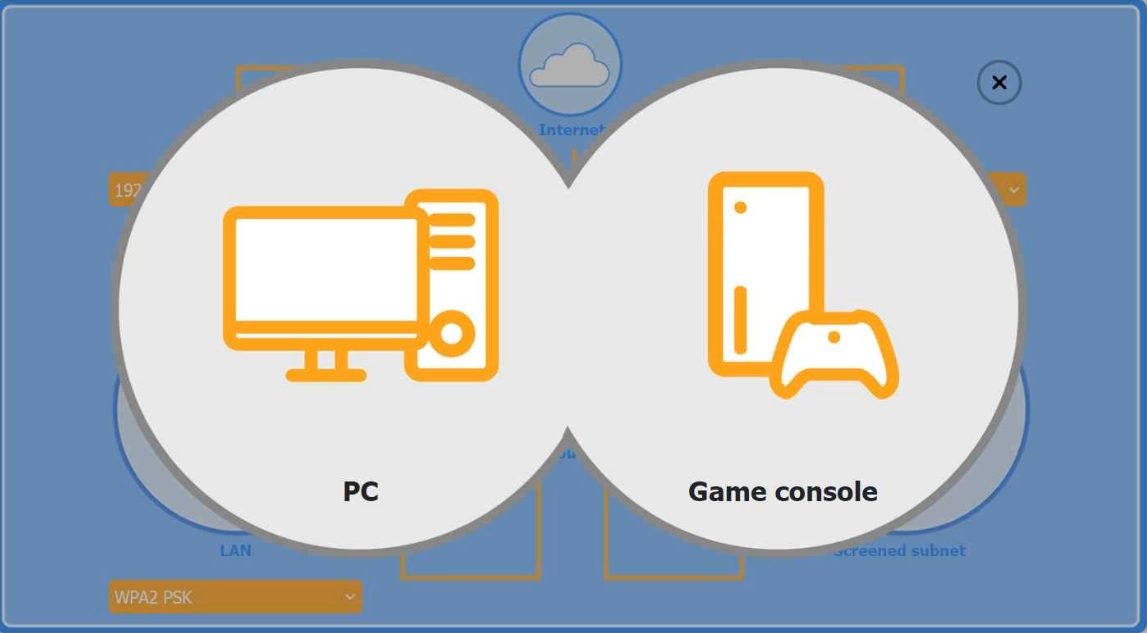
You are configuring a customer’s home network. The customer has requested remote access to a Windows PC and needs all chat and optional functions to work on the game console.
INSTRUCTIONS —
Use the drop-down menus to complete the customer’s network configuration. Each option can be used only once, and not every option will be used.
Then click the + sign to place each device in its appropriate location.
To return the simulation to its initial state at any time, click the Reset All button.
Wireless AP LAN —
Firewall Screened Subnet —
Select
Wireless AP LAN:
Router:
Router port forward rule:
Firewall Screened Subnet:
Wireless AP encryption:
Community Discussion