About the Exam

The Certified Kubernetes Administrator exam is a performance-based, online proctored test focused on hands-on Kubernetes administration. It is aimed at professionals who want to demonstrate the skills, knowledge, and competency needed to perform Kubernetes administrator responsibilities. Passing the exam demonstrates the ability to solve real-world Kubernetes tasks from the command line and administer clusters in a practical environment.

Exam Topics

  • Storage10%
  • Troubleshooting30%
  • Workloads and Scheduling15%
  • Cluster Architecture, Installation and Configuration25%
  • Services and Networking20%

How to Use This Practice Exam

  1. Browse — Read each question, select your answer, and reveal the explanation.
  2. Exam Mode — Simulate real exam conditions with a timed session and score report.
  3. Learn Mode — Spaced repetition schedules questions you struggle with for long-term retention.

Download the Full Exam PDF

Get every question and answer in a clean, printable PDF built for offline study. Purchase once, keep permanent access, and re-download the latest version anytime.

Last updated October 12, 2023 at 3:10 AM

Topic filter
Question status
Question sort
Questions per page

QuestionQ1

VerifiedTroubleshooting

SIMULATION -

Question Image

Task -

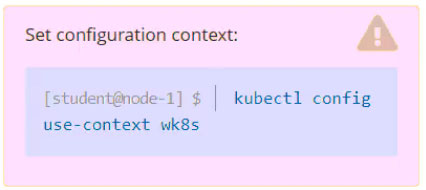
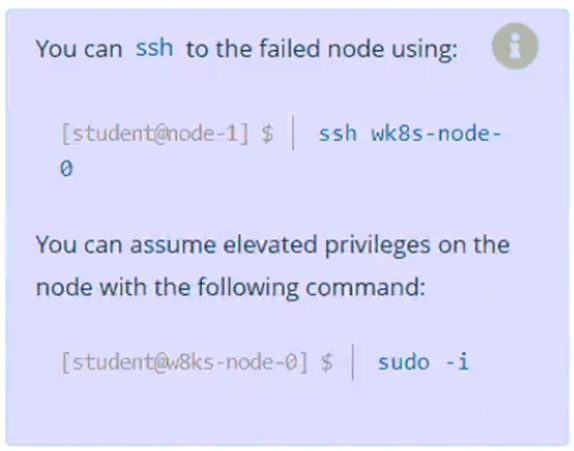
A Kubernetes worker node named wk8s-node-0 is in the NotReady state. Investigate the cause and take any appropriate action to return the node to Ready, ensuring all changes persist.
Question Image

Community Discussion

No comments yet. Be the first to start the discussion!

QuestionQ2

VerifiedWorkloads and Scheduling

SIMULATION -

Task -

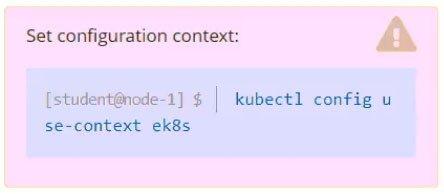
Set the node named ek8s-node-0 as unavailable and reschedule all the pods running on it.
Question Image

Community Discussion

No comments yet. Be the first to start the discussion!

QuestionQ7

VerifiedStorage

SIMULATION -

Context -

An existing Pod must be integrated with Kubernetes built-in logging, such as kubectl logs. Adding a streaming sidecar container is a common way to meet this requirement.

Task -

Add a sidecar container named sidecar, using the busybox image, to the existing Pod big-corp-app. The new sidecar must run the following command:

Question Image

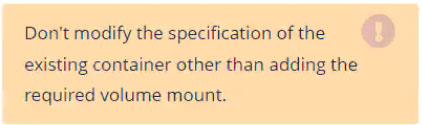
Use a Volume mounted at /var/log to make the big-corp-app.log log file available to the sidecar container.
Question Image

Question Image

Community Discussion

No comments yet. Be the first to start the discussion!

QuestionQ9

VerifiedWorkloads and Scheduling

SIMULATION -

Task -

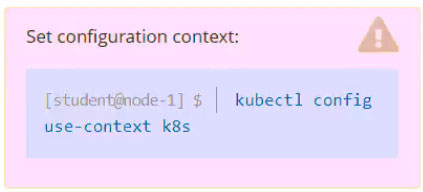
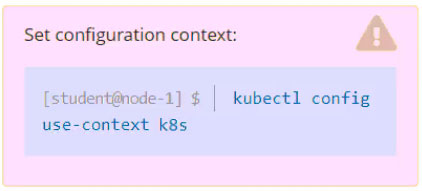
Scale the deployment presentation to 3 pods.
Question Image

Community Discussion

No comments yet. Be the first to start the discussion!

QuestionQ10

VerifiedWorkloads and Scheduling

SIMULATION -

Task -

Schedule a pod with the following settings:

  • Name: nginx-kusc00401
  • Image: nginx
  • Node selector: disk=ssd

Question Image

Community Discussion

No comments yet. Be the first to start the discussion!

That's the end of the preview

It's free

Every verified question is free for all users.
No strings attached.

Topics covered
StorageTroubleshootingWorkloads and SchedulingCluster Architecture, Installation and ConfigurationServices and Networking
Know a question that should be here? Contribute to this exam
Back home