QuestionQ37
VerifiedJuniper Mist Network OperationsClick the Exhibit button.
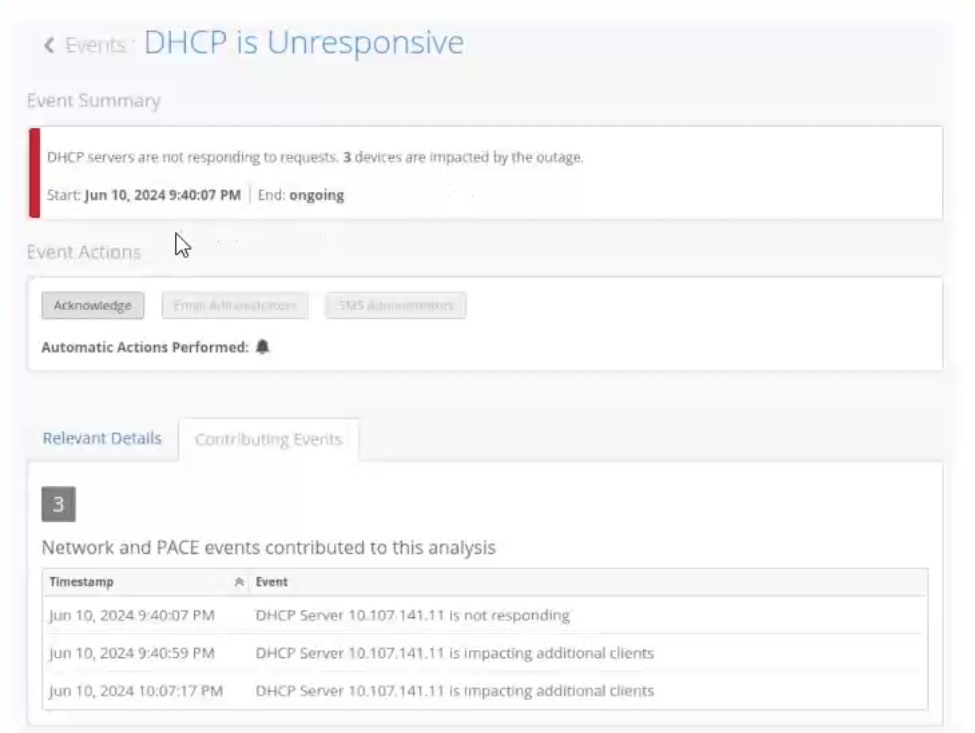
You see that the site events report an unresponsive DHCP server in your network. You want to analyze this event by using dynamic packet capture.
Referring to the exhibit, how would you access the packet capture for additional analysis in Wireshark?
Community Discussion