QuestionQ52

VerifiedSystem Configuration

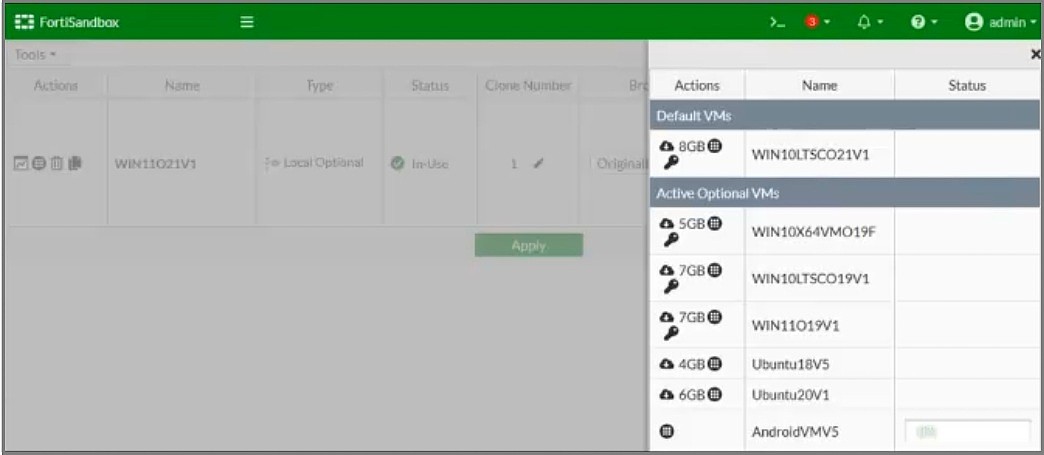
Refer to the exhibit.

Question Image

You are unable to download the AndroidVMV5 guest VM on a FortiSandbox device.

What configuration change must you make in this scenario?

Explanation

FortiSandbox retrieves optional/default guest VM images, such as AndroidVMV5, from Fortinet's distribution servers over the internet using the interface designated for VM internet access, which is port3. This interface must have its 'internet access' setting explicitly enabled (System > Network > Interfaces) before the appliance can reach the FortiGuard servers and successfully download the VM image. Without enabling internet access on port3, the VM download will fail even if other interfaces (like port1 for management) are properly configured.

Community Discussion

No comments yet. Be the first to start the discussion!